Planner Builder · reMarkable 2, Paper Pro, Paper Pro Move
The Motivational Hub's Planner Builder exports a PDF sized to your reMarkable's exact screen: 1404 × 1872 pixels for the reMarkable 1 and 2, 1620 × 2160 for the Paper Pro, 954 × 1696 for the Paper Pro Move. Tabs and dates respond to a finger tap, the ink theme is drawn for grayscale, and it imports the normal way, through the reMarkable app or my.remarkable.com. Seven planners are free. A custom planner is $9, once, for every device you own.
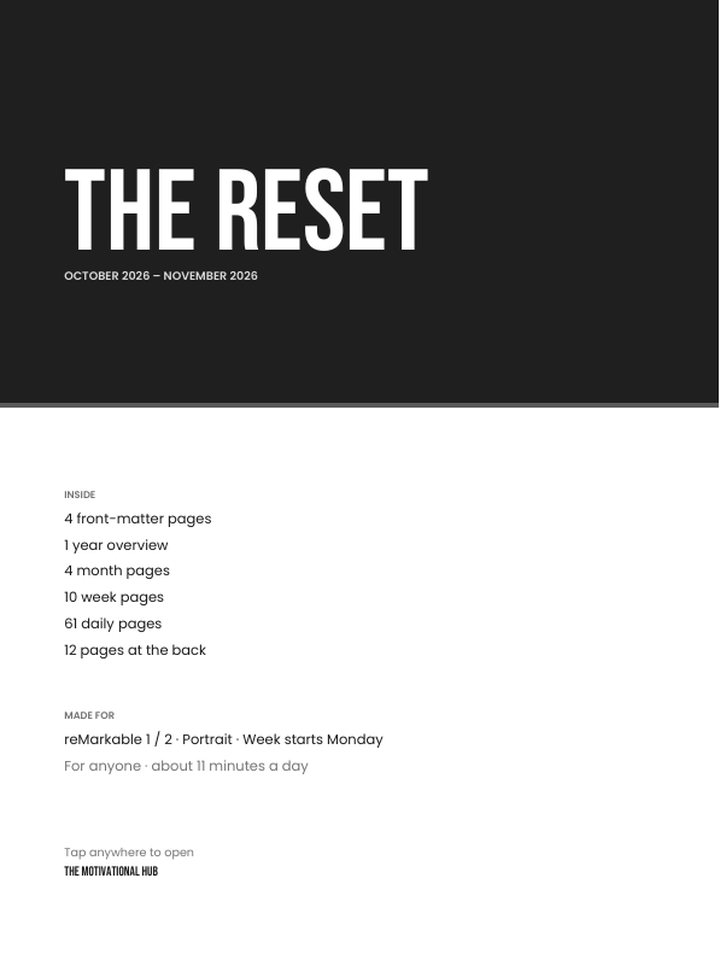
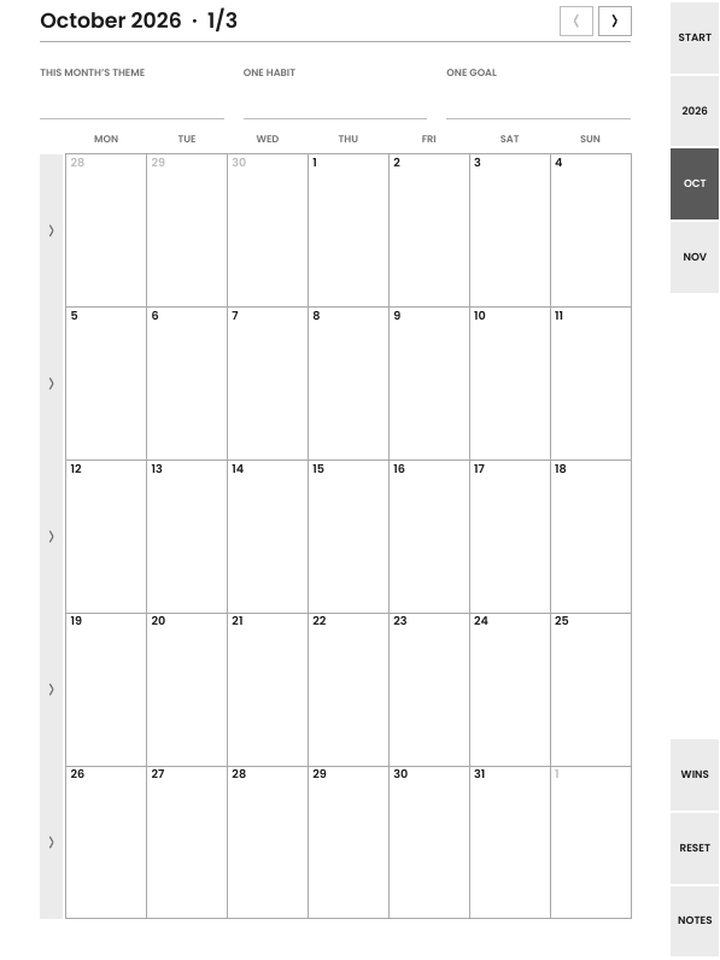
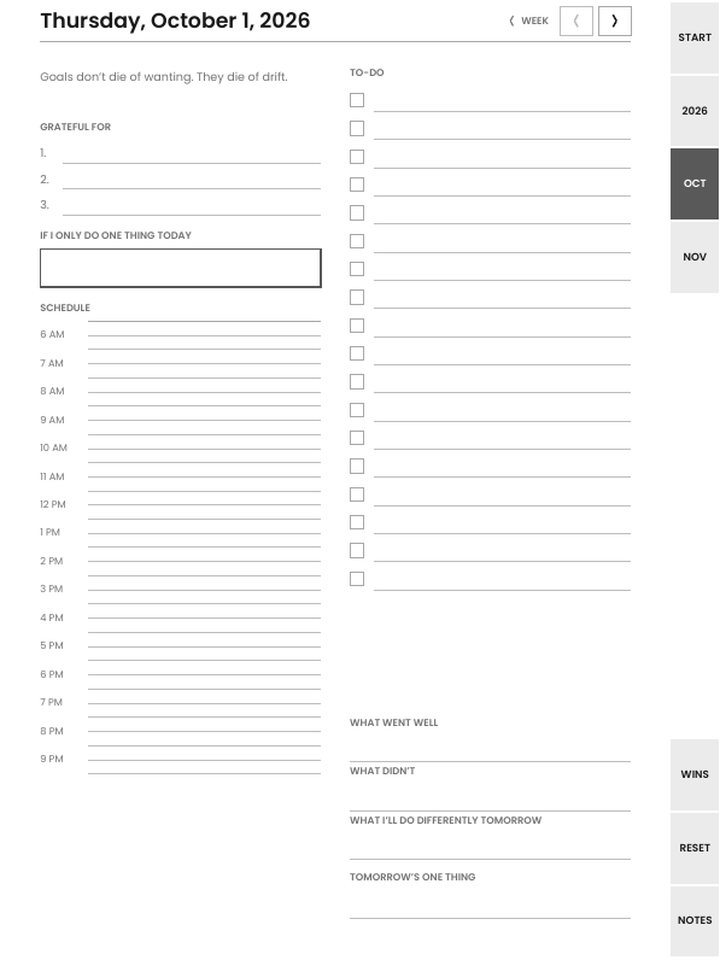
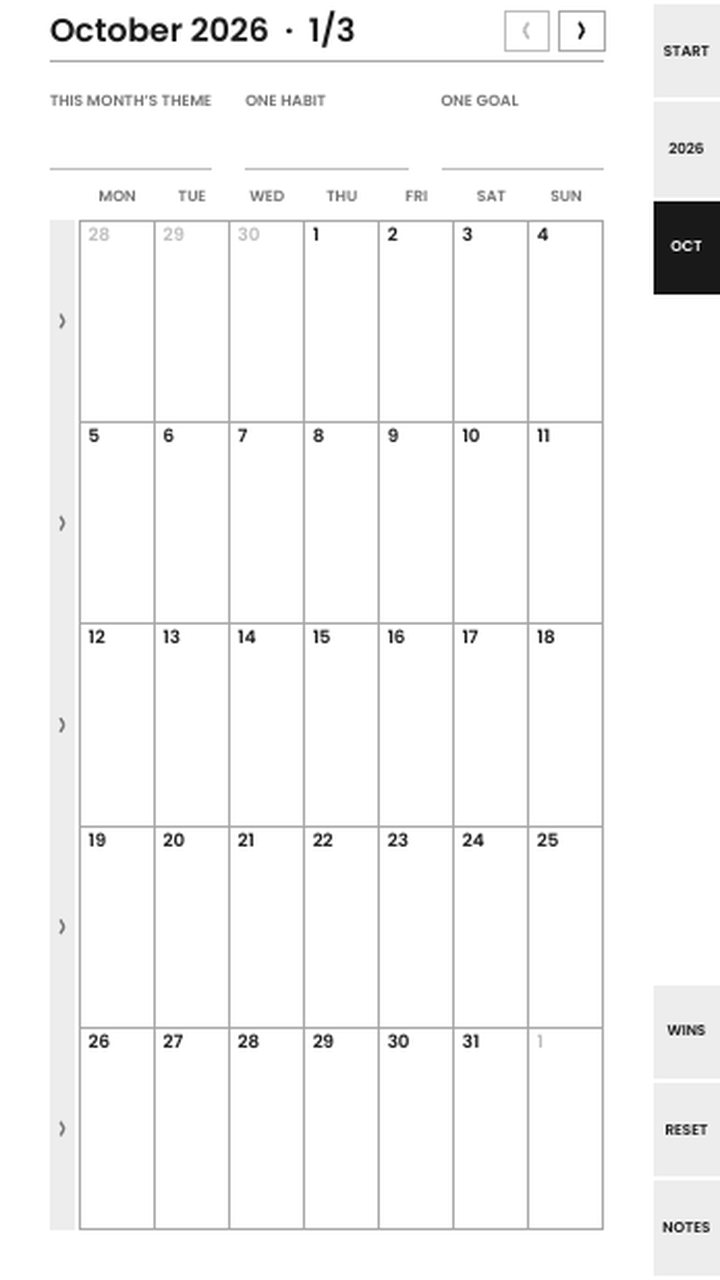
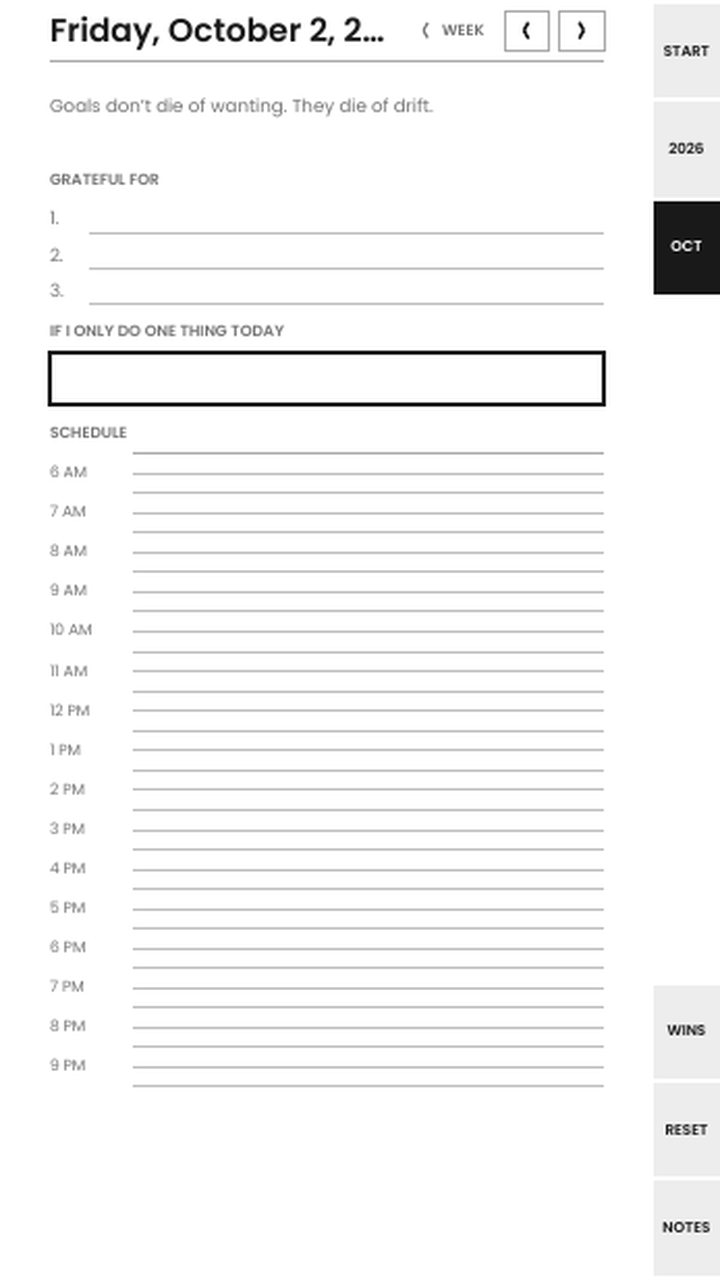
Pages from the builder's own files, drawn at the reMarkable size. Preview is scaled; the download is native resolution.
What you get
1404 × 1872 px at 226 ppi. Grayscale. Tap navigation. Import through the desktop or mobile app, or my.remarkable.com.
1620 × 2160 px at 229 ppi. Color accents use the device's own palette. Landscape is the most comfortable orientation, and the builder offers it.
954 × 1696 px at 264 ppi. A taller screen, so the Move gets its own compact layouts. Do not use the Paper Pro file on it; pick the Move in the builder.
A search for "reMarkable template" mostly turns up single background pages: a dot grid, a weekly layout, a habit tracker. To install one you need a third-party tool and a connection to the tablet, and a software update can remove it. What the Planner Builder makes is a planner, a PDF document with a cover, a year overview, month grids, week spreads, daily pages and back matter, all linked to each other. It goes onto the tablet the same way any PDF does, it survives every update, and you can have as many as you like.
The trade-off is that a PDF planner has fixed pages rather than an infinite notebook. For a planner that is the point: the pages are the plan. Notes pages at the back (dot grid, ten or more) cover the overflow.
Every page has an edge tab strip (start, the months, week, reset, notes) and a header with previous and next arrows. Tapping a day in a month grid opens that day; tapping the week column opens the week; the header on a day page takes you back to its week. Tabs are on the right by default and can be moved to the left for left-handers. Form lines are drawn at the gray the reMarkable renders cleanly, with margins kept clear of the edge where the pen gets unreliable.
The ink theme is the default on every reMarkable because it is drawn for grayscale. On the Paper Pro you can switch to the amber theme; its accents are rendered inside the device's twelve-tone palette so they don't dither.
Download the PDF for your model from step 7 of the builder. Open the reMarkable desktop or mobile app, or my.remarkable.com, and import it like any document; it syncs to the tablet. Open it, and tap tabs and dates with a finger (the pen writes; a finger navigates). The download comes with a one-page read-me that says the same thing.
If you own more than one model, download a file for each. The Paper Pro Move in particular has its own layouts, because its screen is much taller than the others; the Paper Pro file would waste the space.
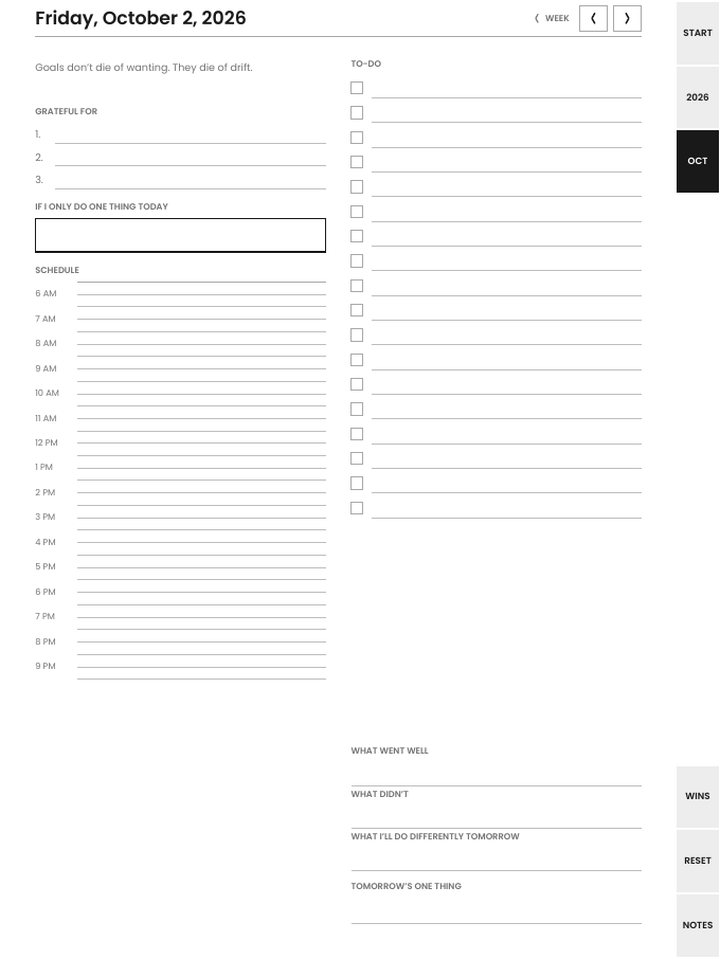
These download complete, with no watermark and no signup, in every format including reMarkable:
The other thirteen (The Reset (daily), Six Lines, One Page One Thing, the 90-Day Mindset Sprint, the Stoic Reset, the Mindset Lock-In, the January Reset, the Reseller Reset, Alcohol-Free Days, Midlife Restart, Small Wins + One Kindness, the Goal Workbook, and the faith edition of the Reset) and anything you customize, down to a planner started from a blank cover, are $9 one time. That buys the exact planner you built for every device and paper size, with unlimited re-downloads from the license key in your receipt. Only the device, orientation and tab side stay adjustable afterwards; changing pages or dates makes a new planner.
Yes. reMarkable's PDF reader follows internal links, and every tab, month-grid day, week column and prev/next arrow in the file is an internal link. Tap with a finger; the pen is for writing.
No, and that is on purpose. It is a normal PDF you import through the app or my.remarkable.com, so there is nothing to hack, and software updates leave it alone. Templates are single background pages; this is a whole linked planner.
Pick "reMarkable Paper Pro Move" in the builder (step 3, or the download list in step 7). The Move's screen is taller and narrower than the other models, so it has its own compact layouts. The Paper Pro file will look cramped on it.
No. The seven free planners download as complete files with no watermark and no signup, in every format. The other planners, and any custom planner, are $9 one time.
Yes. A purchase is the planner you built, for every device and paper size, with unlimited re-downloads. The license key from your receipt re-downloads that exact planner in any of the sixteen formats, any time. Changing its pages or dates makes a new planner.
Planners are reflection tools, not a substitute for professional support. Editions that touch hard subjects carry a resources page and the 988 line.