Planner Builder · GoodNotes, Notability, Samsung Notes
The Motivational Hub's Planner Builder exports a tablet planner for GoodNotes, Notability, Samsung Notes and similar apps: a 768 × 1024-point page, landscape by default, with a home button and an index page on every page and every tab and date hyperlinked. Import it as a document, not a template, and the links work. Dated or undated, any month range. Seven planners are free; a custom planner is $9, once, for every device.
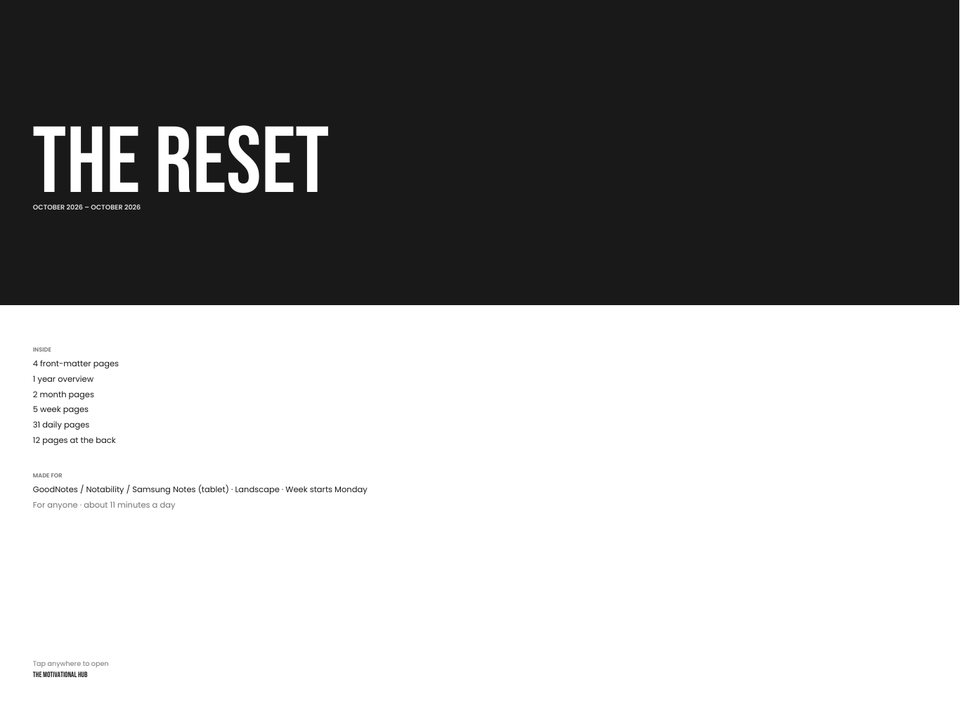
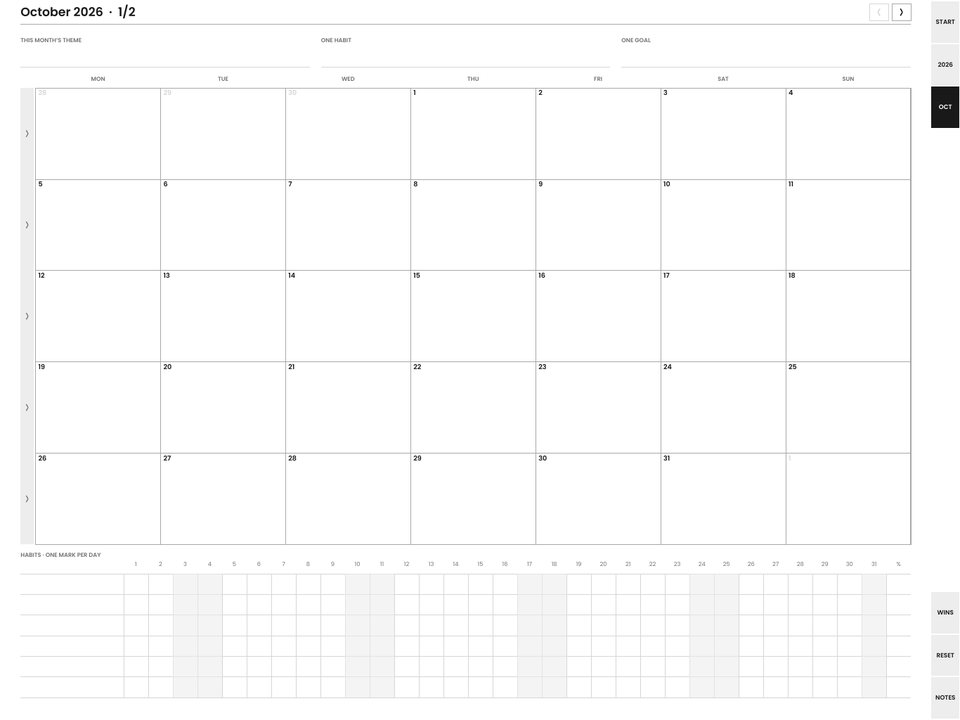
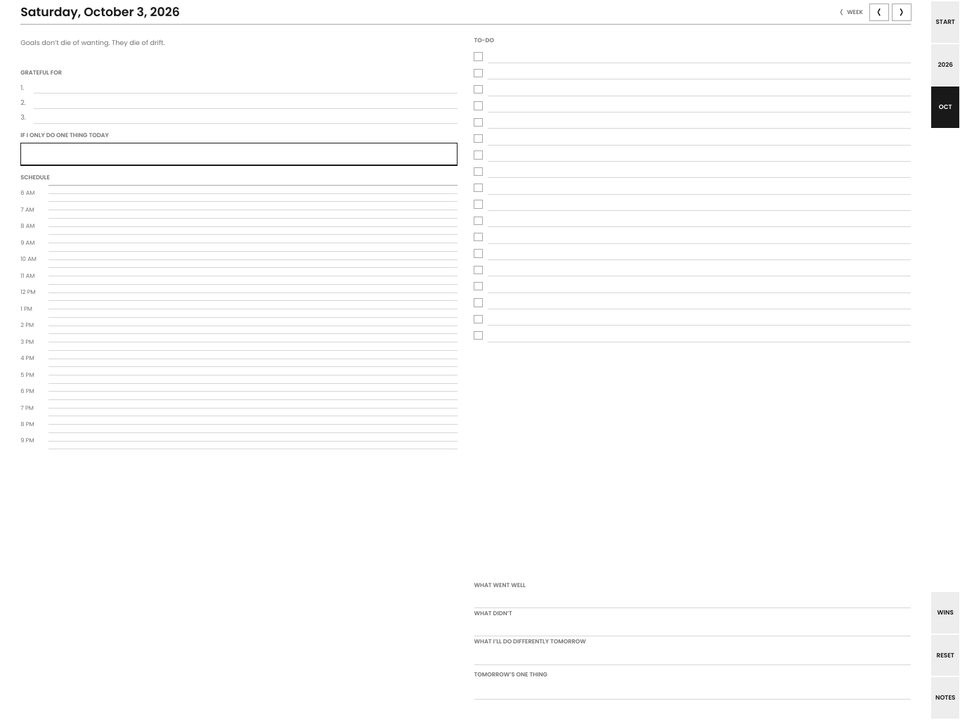
Pages from the builder's own files, drawn at the GoodNotes / tablet size. Preview is scaled; the download is native resolution.
What you get
768 × 1024-point pages (the A5-like proportion those apps expect), landscape by default with a portrait twin in the same download. Color. A home button and index link on every page. Import as a document, not a template.
Note apps can import a PDF two ways. As a template, it becomes a background you write on, and the links inside it are ignored. As a document, it keeps its links, so the tabs, the month-grid days and the home button all work. Import the planner as a document. In GoodNotes, links respond to a tap in read-only mode (the eye icon) and to a long-press in edit mode; other apps behave similarly, so if a tap draws a dot instead of navigating, switch modes.
The two words buyers search for in a digital planner are "hyperlinked" and "undated", and both are built in. Every page carries the edge tab strip, previous and next arrows, a home button that returns to the index, and an index page that lists every section. Undated is a single switch in the builder: the same pages with the date fields left blank and weeks counted W1, W2 and on, so a missed week costs nothing. Landscape is the default because that is how most people hold a tablet in a note app; the download includes the portrait twin as well.
Download the tablet file from step 7 of the builder. Open it in the app as a document (Import, or share the file to the app and pick the document option). Tap a tab to confirm the links, switch to writing mode, and use it. The download includes a one-page read-me with the same steps for each app.
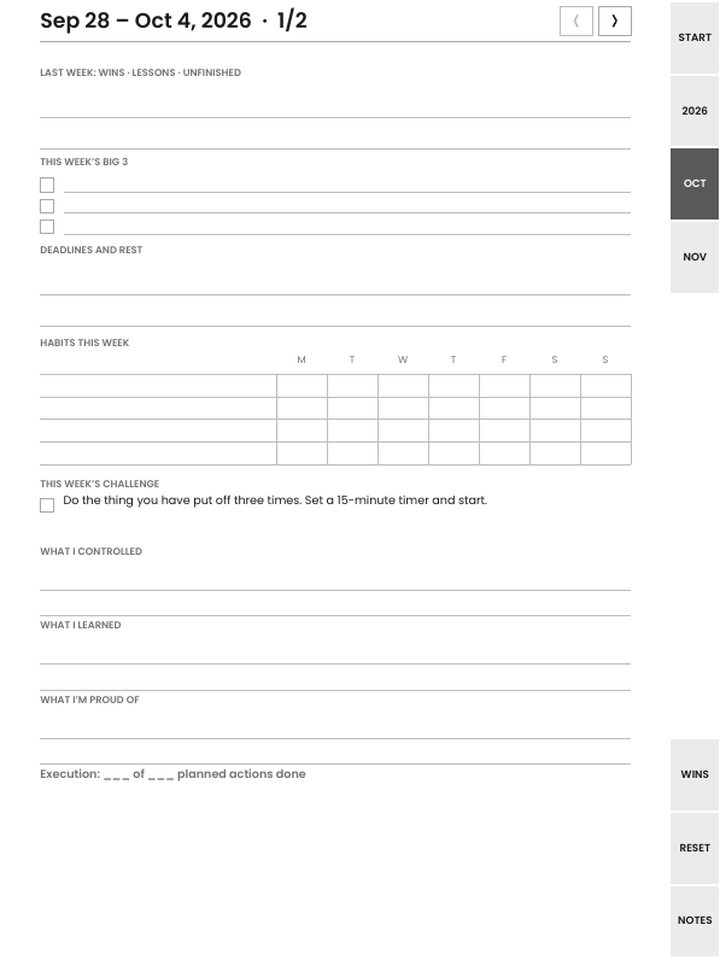
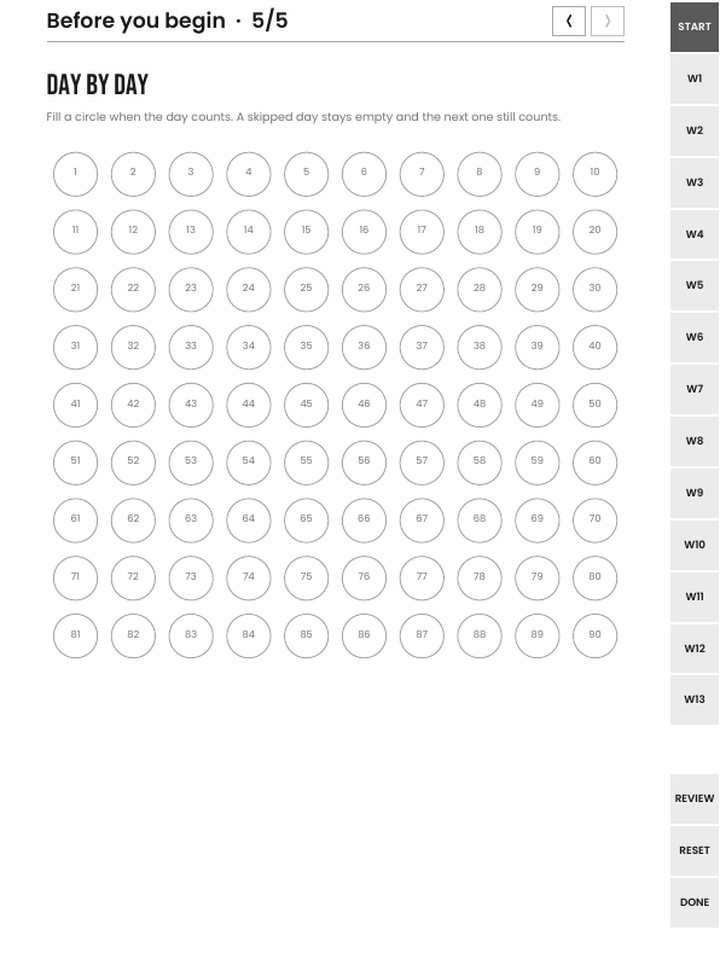
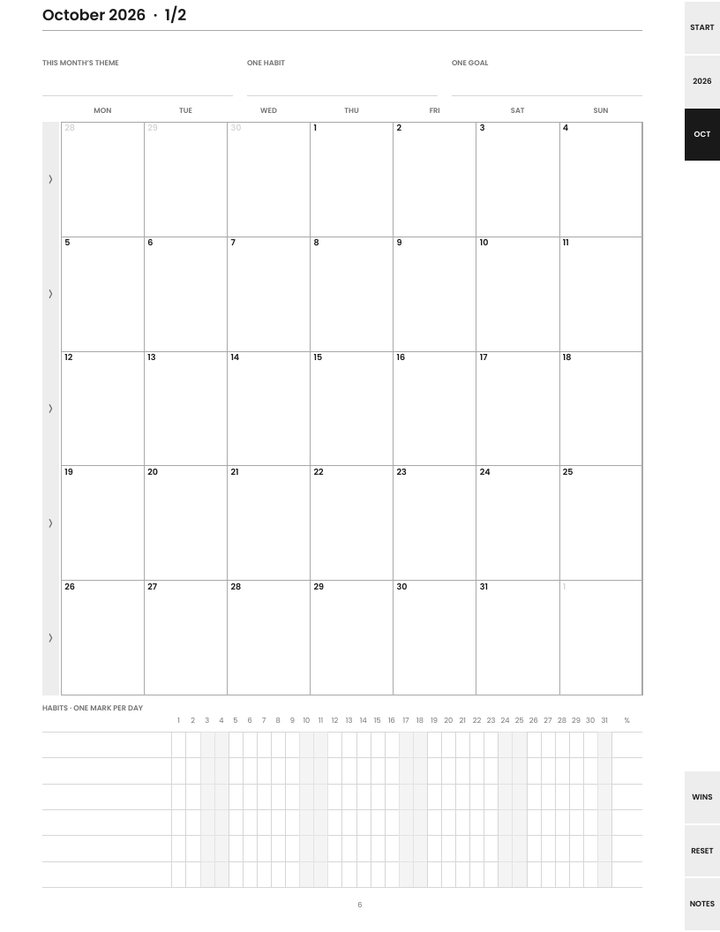
These download complete, with no watermark and no signup, in every format including GoodNotes / tablet:
The other thirteen (The Reset (daily), Six Lines, One Page One Thing, the 90-Day Mindset Sprint, the Stoic Reset, the Mindset Lock-In, the January Reset, the Reseller Reset, Alcohol-Free Days, Midlife Restart, Small Wins + One Kindness, the Goal Workbook, and the faith edition of the Reset) and anything you customize, down to a planner started from a blank cover, are $9 one time. That buys the exact planner you built for every device and paper size, with unlimited re-downloads from the license key in your receipt. Only the device, orientation and tab side stay adjustable afterwards; changing pages or dates makes a new planner.
Build one for GoodNotes / tablet
Yes, when the file is imported as a document rather than a template. Links respond to a tap in read-only mode and to a long-press in edit mode.
Yes. Samsung Notes and other Android note apps import PDFs as documents and follow the internal links the same way.
It can be. Every calendar planner in the builder switches between dated and undated. Undated leaves the date fields blank and numbers the weeks, so you can start any time and skip weeks without guilt.
Seven planners are free as they come, with no watermark and no signup: the Basic Planner, Weekly Proof Sheet, Done List, Monthly Reset, Mindset Habit Tracker Pack, Mindset Audit, and Year / Birthday Reset. The rest, and anything you customize, are $9 one time for that planner on every device.
Yes. A purchase covers the planner you built in all sixteen formats, with unlimited re-downloads from the license key in your receipt.
Planners are reflection tools, not a substitute for professional support. Editions that touch hard subjects carry a resources page and the 988 line.