Planner Builder · Kindle Scribe 10.2″ and 11″ / Colorsoft
The Motivational Hub's Planner Builder exports a PDF sized for the Kindle Scribe: 1860 × 2480 pixels for the 10.2-inch model, 1980 × 2640 for the 11-inch Scribe and Colorsoft Scribe, both at 300 ppi, with a margin left clear for the Scribe's bottom bar. You send it with Send to Kindle and open it from your Library, where its tabs and dates respond to a tap and you write on it with the pen. Seven planners are free; a custom planner is $9, once.
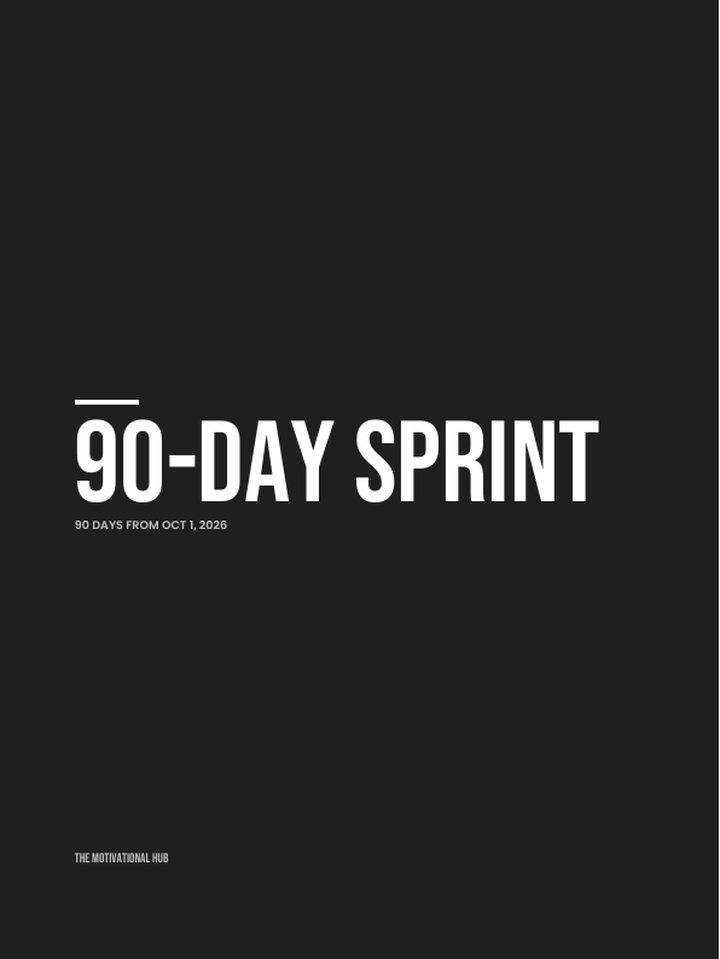
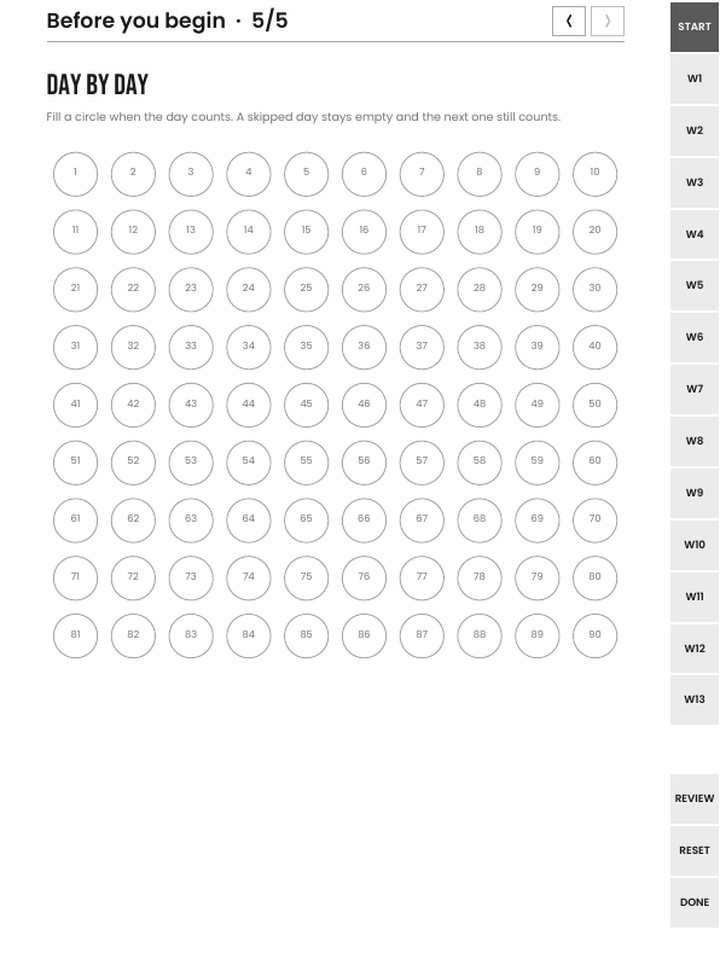
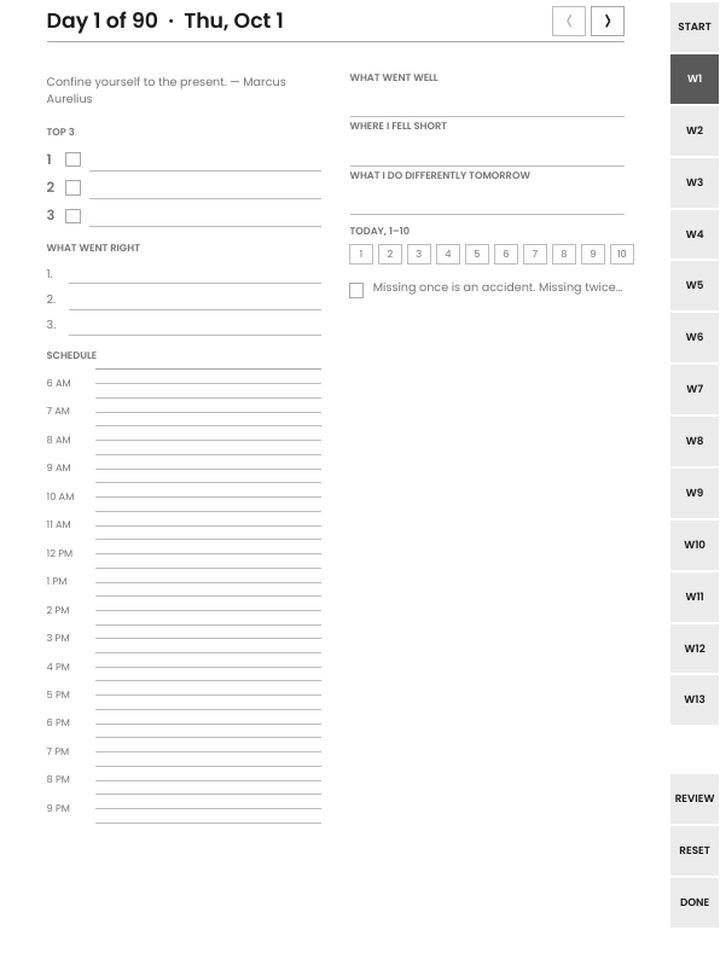
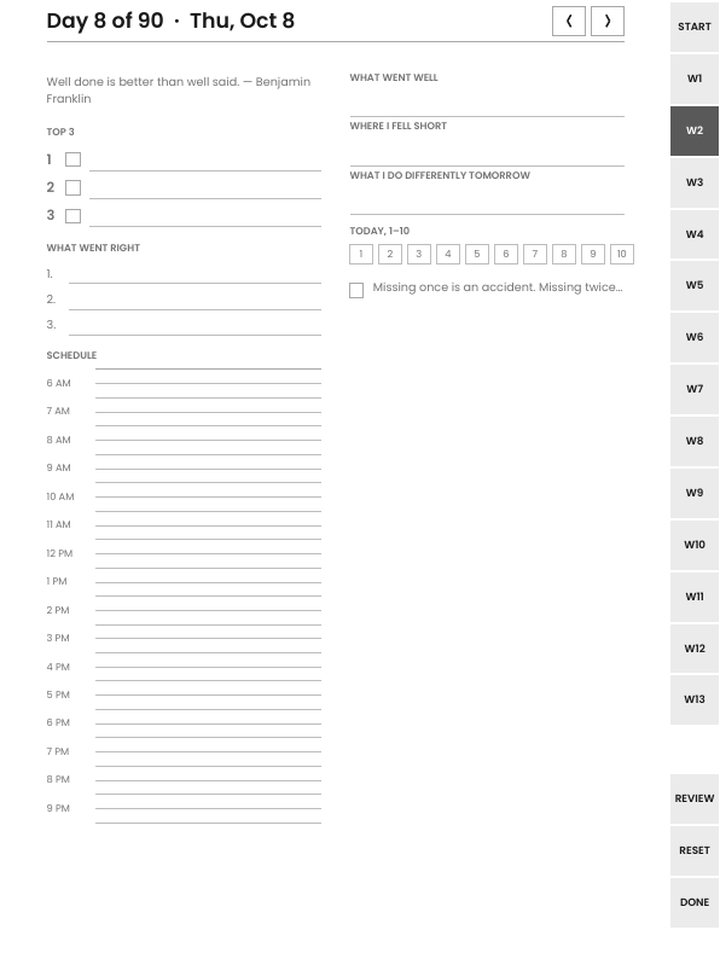
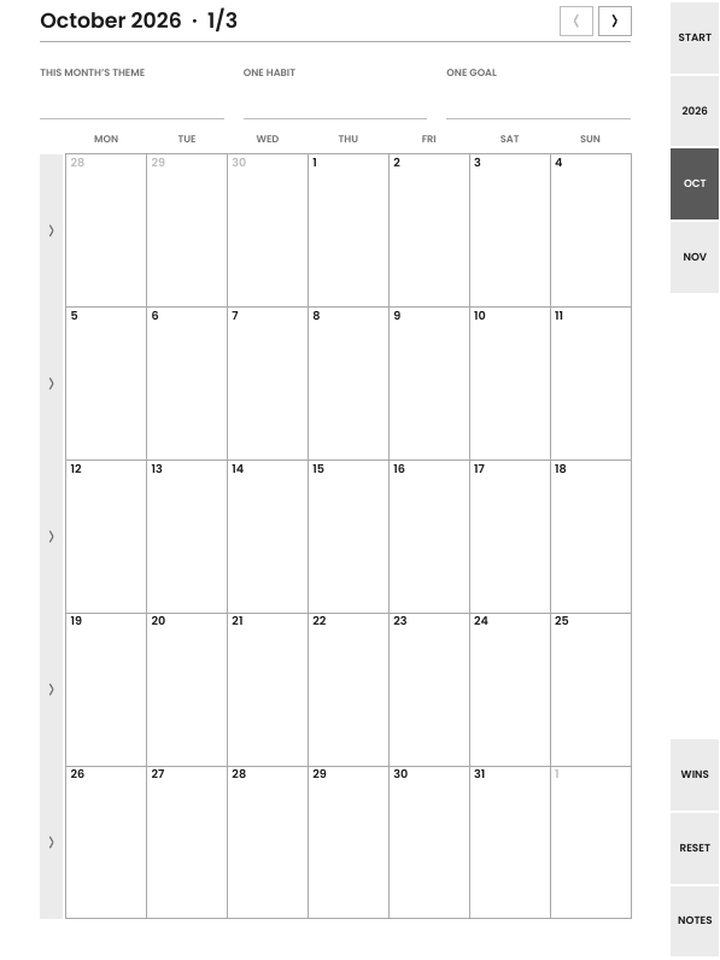
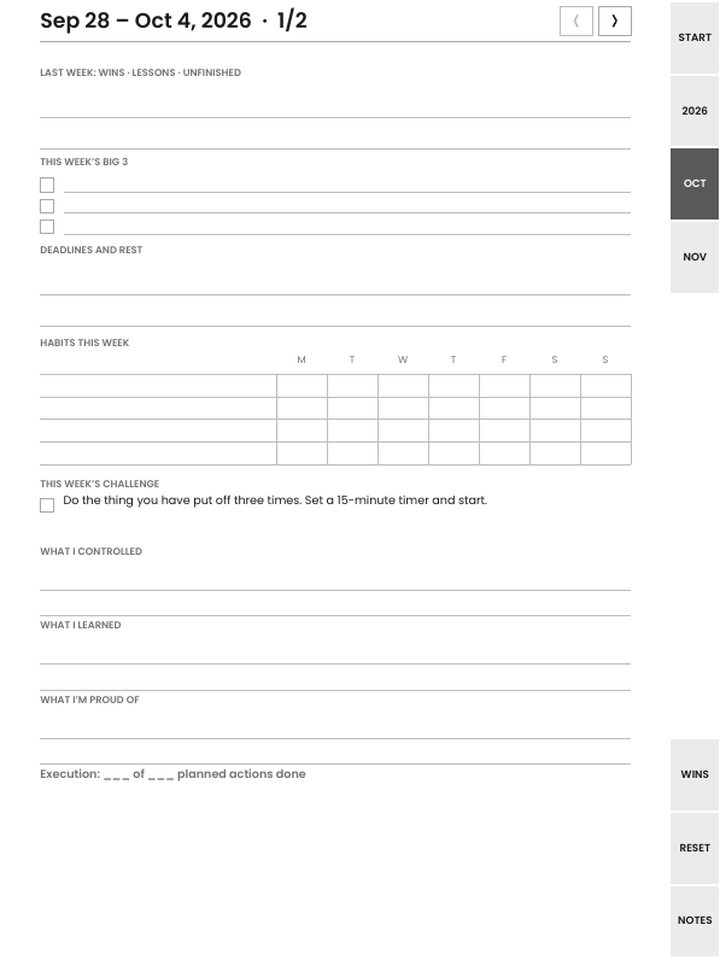
Pages from the builder's own files, drawn at the Kindle Scribe size. Preview is scaled; the download is native resolution.
What you get
1860 × 2480 px at 300 ppi. Grayscale. Tap navigation. A 0.25-inch strip at the bottom is left clear for the Scribe's navigation bar.
1980 × 2640 px at 300 ppi. Same layouts at the larger size. The 10.2-inch file also scales cleanly on it if you already have one.
The Scribe has two places a document can live. Notebooks are the Scribe's own format, with handwriting-to-text and templates, but a PDF cannot be imported as one. The Library is where sent documents land, and it is where the planner works: the pen writes on every page, and the tabs and dates in the file respond to a tap because the Kindle's PDF reader follows internal links. Send the file with Send to Kindle and open it from Library, and everything in it works. Open it any other way and you get the pages without the navigation.
Two things to know before you commit. Handwriting-to-text is a Notebooks feature; it isn't available on an imported PDF, so what you write on the planner stays as ink. And Send to Kindle's web upload limit is 200 MB; even the 445-page Basic Planner is a small fraction of that.
Every page carries an edge tab strip and a header with previous and next arrows. In a month grid, tapping a day opens that day; the week column opens the week; a day page's header returns to its week. Because the Scribe reserves a strip at the bottom of the screen for its own bar, the builder keeps the lowest quarter inch of every page empty so nothing you need sits under it. Margins are wider than on other e-ink devices for the same reason.
The 10.2-inch and 11-inch files use the same layouts at their own pixel sizes, so nothing is scaled or blurred. If you have the 11-inch and only the 10.2-inch file, it still displays cleanly; the reverse crops.
Download the Scribe file from step 7 of the builder. Go to Send to Kindle on the web (or use the desktop app or email), add the PDF, and choose your Scribe. It appears in Library within a minute or two. Open it, tap a tab to check the links, then write. The download includes a one-page read-me with these steps.
These download complete, with no watermark and no signup, in every format including Kindle Scribe:
The other thirteen (The Reset (daily), Six Lines, One Page One Thing, the 90-Day Mindset Sprint, the Stoic Reset, the Mindset Lock-In, the January Reset, the Reseller Reset, Alcohol-Free Days, Midlife Restart, Small Wins + One Kindness, the Goal Workbook, and the faith edition of the Reset) and anything you customize, down to a planner started from a blank cover, are $9 one time. That buys the exact planner you built for every device and paper size, with unlimited re-downloads from the license key in your receipt. Only the device, orientation and tab side stay adjustable afterwards; changing pages or dates makes a new planner.
Yes, when the planner is opened from Library, which is where Send to Kindle puts it. The Kindle PDF reader follows the internal links that make up the tabs, the month-grid days and the prev/next arrows.
No. Handwriting-to-text is a feature of the Scribe's own Notebooks, not of imported PDFs. What you write on the planner stays as handwriting, which for a planner is normally what you want.
Choose "Kindle Scribe 11″ / Colorsoft" in the builder. It is 1980 × 2640 pixels. The planner's ink theme is grayscale, so the color screen changes nothing about it.
Seven of the twenty planners are free as they come: the Basic Planner, Weekly Proof Sheet, Done List, Monthly Reset, Mindset Habit Tracker Pack, Mindset Audit, and Year / Birthday Reset. No watermark, no signup. The other thirteen, and anything you customize, are $9 one time for that planner on every device.
The license key from your receipt re-downloads the same planner in any of the sixteen formats, any time. A Scribe file today, a reMarkable or print file next year, at no extra cost.
Planners are reflection tools, not a substitute for professional support. Editions that touch hard subjects carry a resources page and the 988 line.